Approve the details
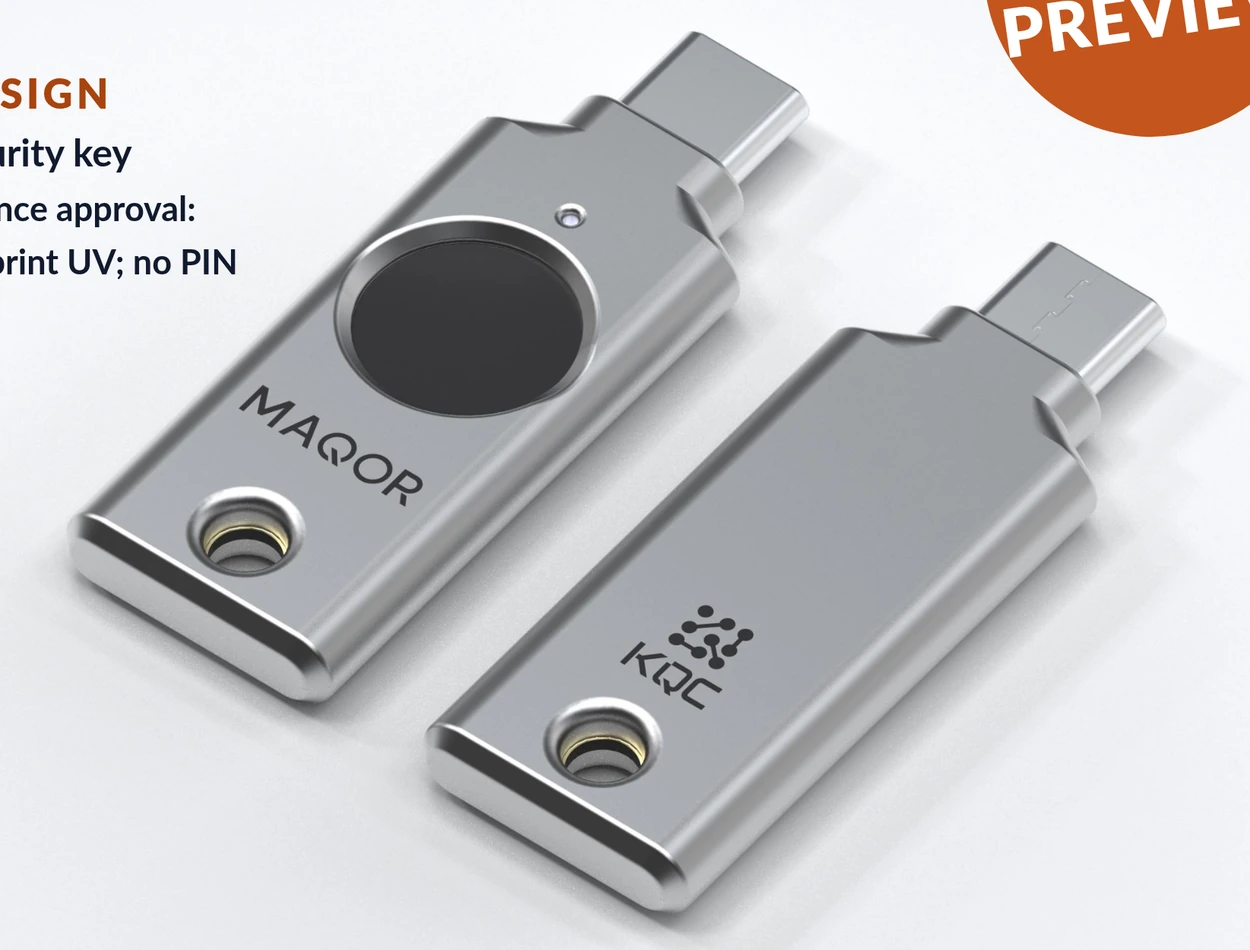
The approver reviews the requested action and verifies their fingerprint on MAQOR Sign. The key creates evidence tied to those details.

Technology preview
Give an AI agent permission for one specific action. MAQOR Approve is designed to bind a person’s fingerprint approval to the request that actually runs.
Product walkthrough · 57 seconds
Follow an AI agent’s order for golf equipment. See what the buyer reviews, where their fingerprint comes in, and what the Gate checks before checkout.
Explore how it worksAI agents no longer just answer. They act. They make payments, delete data, and change live systems. So when an agent takes a high-risk action, two questions matter. Who authorized it? And can you prove it later?
MAQOR Approve answers both. It puts a person in control of high-risk actions. Here is how it works.
First, the agent asks for approval before it acts. Second, a person reviews the request, and approves with a fingerprint on MAQOR Sign. Third, the Gate checks the request, and executes only what was approved.
Every approval is kept as signed evidence, protected by hybrid post-quantum signatures. AI agents act. MAQOR makes actions accountable. To request a demo, visit www.maqorapprove.com.
The approval boundary
The approver reviews the requested action and verifies their fingerprint on MAQOR Sign. The key creates evidence tied to those details.
The Execution Gate checks the action and workload against a single-use Permit. A changed request or a reused Permit is rejected.
Tamper-evident records connect the person’s decision, the Permit, the Gate check and the outcome for independent verification.
Beta program
Bring a workflow where the details matter, from approving a purchase to changing access. Tell KQC what you’d like to evaluate.
Join the beta program